

:sparkles_pink: Navi :sparkles_pink:'s avatar

:sparkles_pink: Navi :sparkles_pink:

@navi@hey.pomnavi.net

150 following26 followers

:opmugiwara: anime nerd extraordinaire. ♀️

Current Obsessions:

  • 🃏Lord of Mysteries
  • 👁️‍🗨️ Omniscient Reader's Viewpoint
  • 🧛VampDies/吸死
  • 🍀The Apothecary Diaries
  • 🎃Pumpkin ✂️ Scissors
  • 📖 Bookworm/本好き

日本語勉強中。アニメと漫画が大好きです。

This is my self-hosted fediverse account using !

I also have alt accounts for blogging (@naviblogs), collecting (@treasures), and eating (@mmm).

I'm followers-locked on @yume but I do liveblogs there as well

Also on sakurajima.moe @navi

Tags used: #Art #LinkBlog #WebDev

Posts tagged #WebDev

@navi@hey.pomnavi.net

I'm pretty happy with the progress I've made with my Astro Book Tracker!

I wanted to create tool for myself so that in case Storygraph ever goes down, I have all my reading data in a format that's portable. Of course, it uses Netlify hosting, functions, and blob functionality so it's not really a "static" site.

But honestly I wasn't aiming for static this time, just something I could easily use as a reading tracker. I'll probably use this and Storygraph simultaneously for now to see how things go.

Check it out! https://reads.pomnavi.net/

reads.pomnavi.net

Home | Reading Hub | Navi's Book Tracker

@navi@hey.pomnavi.net

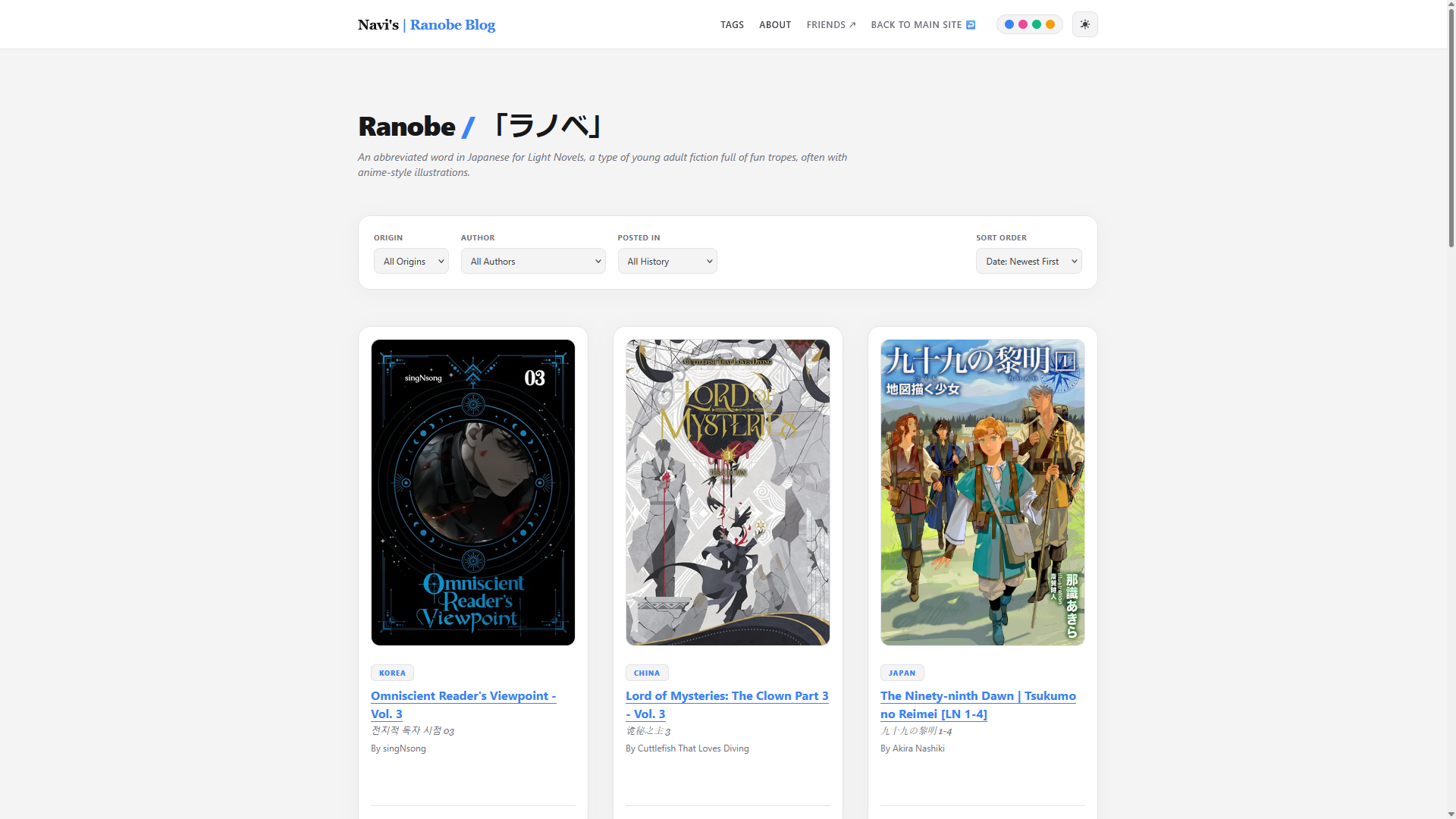
So I just finished migrating my publii ranobe blog to Astro! I wanted to have the freedom to post from anywhere, as well as customize my theme more to serve my needs.

Migrating meant breaking aaallll the previous links I've ever posted for https://ranobe.pomnavi.net, so this is just a notice that the site isn't down.

Please visit the homepage, and it should be easy to find the post you're looking for. I've even added more filtering functionality for the homepage!

New Ranobe Blog layout using Astro
ALT text

New Ranobe Blog layout using Astro

Old Ranobe Blog Layout using Publii
ALT text

Old Ranobe Blog Layout using Publii

@navi@hey.pomnavi.net

I spent way too long trying to find an easy method of uploading images to my VPS to use for my blogs... I couldn't get any of the pretty solutions to work.

I ended up using tiny file manager and a caddy file browser as my solution.

@navi@hey.pomnavi.net

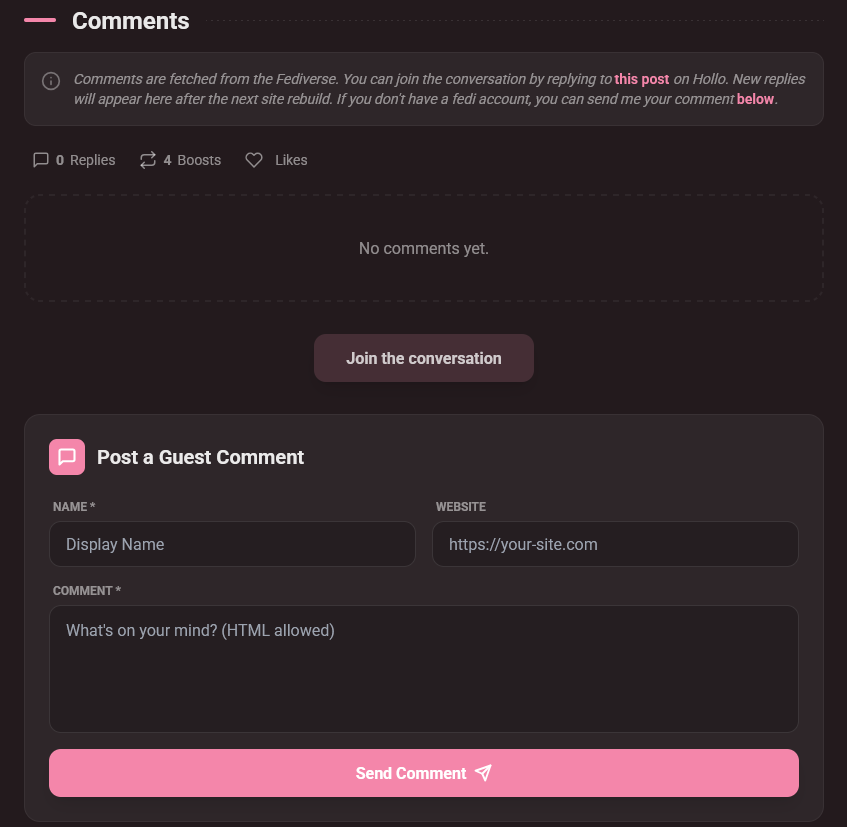
I finally got around to adding a proper form for comments on my blog, and it even submits the comment as a json to my github repo, so no more manual copy-pasting for me!

Not that I had a lot to do anyways....

An image of a comments section with a form to enter a comment.
ALT text

An image of a comments section with a form to enter a comment.