van publicar unha aplicación «oficial» de #Readeck para Android e mirei se podía facer que estivese en #galego desde o primeiro día. Pero leo no seu documento para colaboracións «When adding new string resources, English placeholder strings must be added to all language files — see CLAUDE.md for details. Contributors willing to help with translations are especially welcome given the investment made in multi-language support for ReadeckApp.» e o que pensei foi que falen con #Claude e llo traduza. ATPC. Hoxe erguínme en plan talibán XD . Isto é algo que xa fixen últimamente: mirar o ambiente e cómo de receptivas son as developers con ese tipo de ferramentas. É un xeito de limitarme a min mesmo, a verdade, pois teño máis tendas das que podo atender. So: #AskClaude
Hashtag
#Readeck
8 posts tagged with this hashtag.
Kleines Follow-Up: @stdevel hat unser neues Tool zur teilautomatisierten Episoden-Vorbereitung inzwischen auf #Codeberg veröffentlicht: https://codeberg.org/userspace-podcast/episodix
Es kann auch via PyPI installiert werden: https://pypi.org/project/episodix/
Mithilfe des Tools lassen sich über #Readeck gesammelte und mit Highlights versehene Nachrichten automatisch via Jinja2 in ein Markdown-Dokument konvertieren. Das erleichtert uns zukünftig die Episoden-Vorbereitung.
ALT text
Screenshot eines Code-Editors und Web-Browsers. Rechts ist die Ansicht von Readeck zu sehen: es wurde ein Artikel geöffnet und mit Highlights versehen. Diese Informationen finden sich rechts im Code-Editor in einem Markdown-Dokument.
Kleines Follow-Up: @stdevel hat unser neues Tool zur teilautomatisierten Episoden-Vorbereitung inzwischen auf #Codeberg veröffentlicht: https://codeberg.org/userspace-podcast/episodix
Es kann auch via PyPI installiert werden: https://pypi.org/project/episodix/
Mithilfe des Tools lassen sich über #Readeck gesammelte und mit Highlights versehene Nachrichten automatisch via Jinja2 in ein Markdown-Dokument konvertieren. Das erleichtert uns zukünftig die Episoden-Vorbereitung.
ALT text
Screenshot eines Code-Editors und Web-Browsers. Rechts ist die Ansicht von Readeck zu sehen: es wurde ein Artikel geöffnet und mit Highlights versehen. Diese Informationen finden sich rechts im Code-Editor in einem Markdown-Dokument.

I was trying to figure out a way to add/browse Readeck articles from my Kobo without displacing my existing Instapaper account, and I found a method!
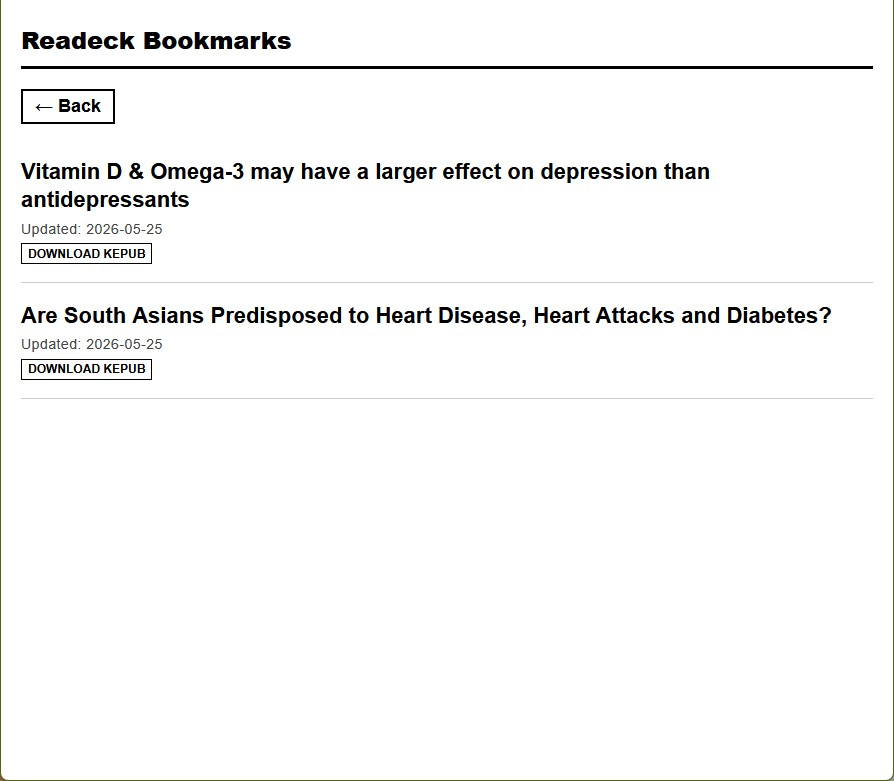
I created a custom e-ink friendly OPDS browser-website:
ALT text
a screenshot of the simple black and white site with the same two articles in a collection
ALT text
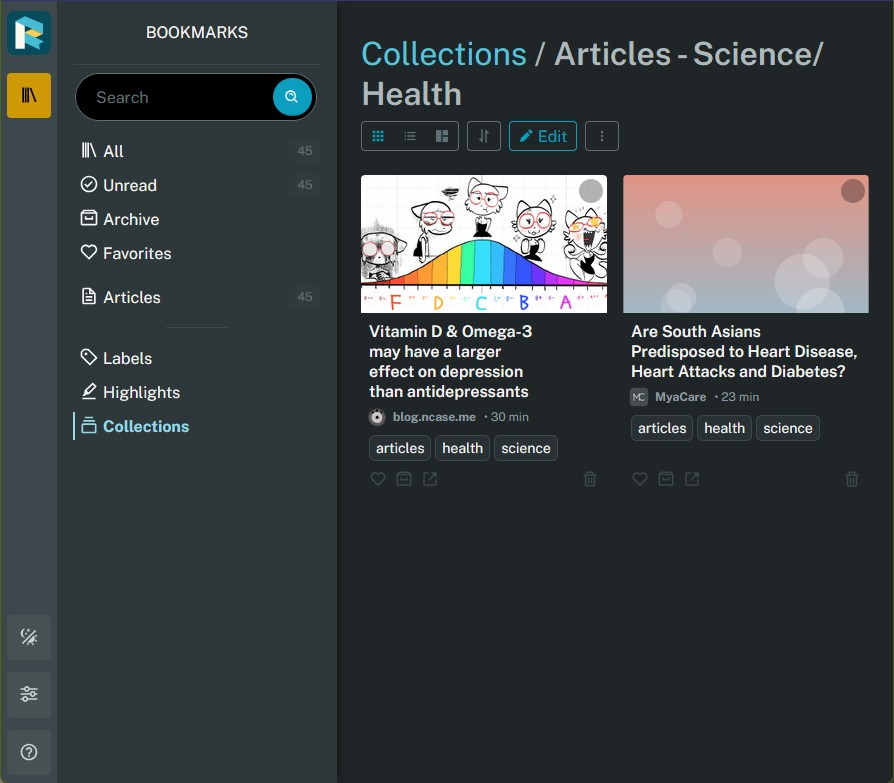
a screenshot of the readeck site with two articles in a collection
#Zen browser added a "Live Folder" (a folder of tabs based on a RSS feed) in the latest version. And I don't know how many hundreds of items were on my #Readeck read-later list, but it's now five, which is incredible. Just bringing my read-later list right into my browser tabs has made a world of difference.
In the interest of saving things before they disappear, I decided to self-host #Readeck, which is a bookmark/read-it-later application with archiving capabilities.
Probably not going to replace Instapaper with it since I have some automations setup, but it has an excellent archiving ability that works with a browser extension
#Zen browser added a "Live Folder" (a folder of tabs based on a RSS feed) in the latest version. And I don't know how many hundreds of items were on my #Readeck read-later list, but it's now five, which is incredible. Just bringing my read-later list right into my browser tabs has made a world of difference.
Alors j'ai donc assuré le transfert de #freshrss et de #readeck.
Sans encombre. Donc c'est désormais sur le #m720q , ça tourne bien avec un reverse-proxy fournit pour le moment par le Synology.
Mais ça ça va changer aussi bientôt.
Bon, j'avoue, j'ai commencé par les deux trucs les plus facile. Demain, j'attaque du un peu plus lourd, genre #actualbudget ou #komga .