
#Grimmory

:sparkles_pink: Navi :sparkles_pink:'s avatar
:sparkles_pink: Navi :sparkles_pink:

@navi@hey.pomnavi.net

I updated Grimmory today to v3.0.0 and logo and branding changed after the update 👀

Makes sense since they can't keep using Booklore's, but I do miss the cute heart.

Grimmory's new Logo. It's blocky with a G that looks like a book
ALT text detailsGrimmory's new Logo. It's blocky with a G that looks like a book
Booklore logo. Contains a purple heart with a white ribbon as a bookmark.
ALT text detailsBooklore logo. Contains a purple heart with a white ribbon as a bookmark.
:sparkles_pink: Navi :sparkles_pink:'s avatar
:sparkles_pink: Navi :sparkles_pink:

@navi@hey.pomnavi.net

I installed Grimmory recently to manage syncing of my sideloaded ebooks on my Kobo, and omg the interface is so nice!

Especially since I read light novels which are DRM-free from J-Novel Club, it's nice having the same sync and management experience as buying books from the kobo store.

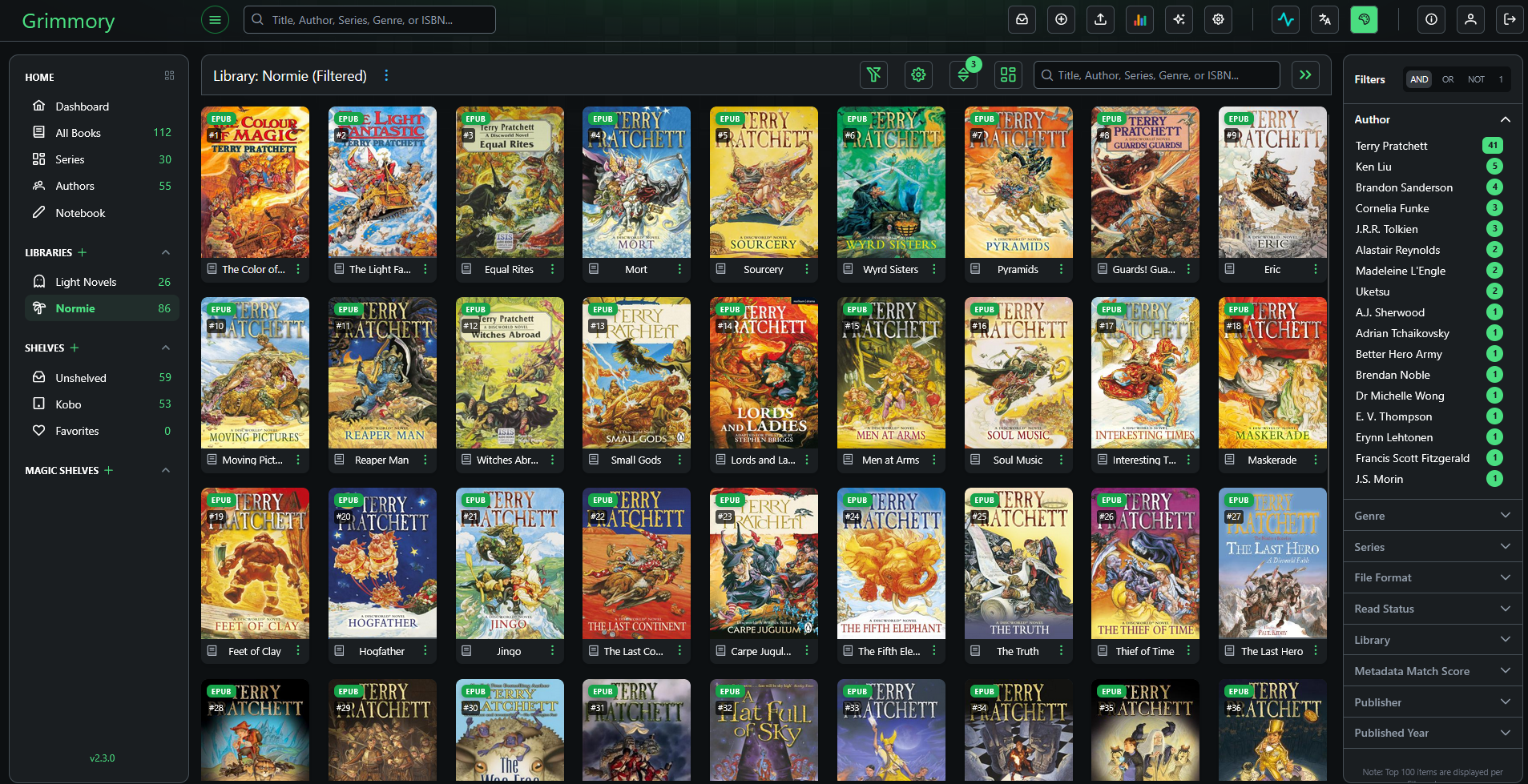
Also it really annoys me when the metadata on the store is wrong (series not numbered correctly, titles not following the same format, etc.) so it's nice to be able to fix that myself. I fixed all of my Discworld books from the Humble Bundle, so now the covers match and everything is in series order (rather than separated into sub-series).

Screenshot of Grimmory with the Discworld books displayed.
ALT text detailsScreenshot of Grimmory with the Discworld books displayed.